
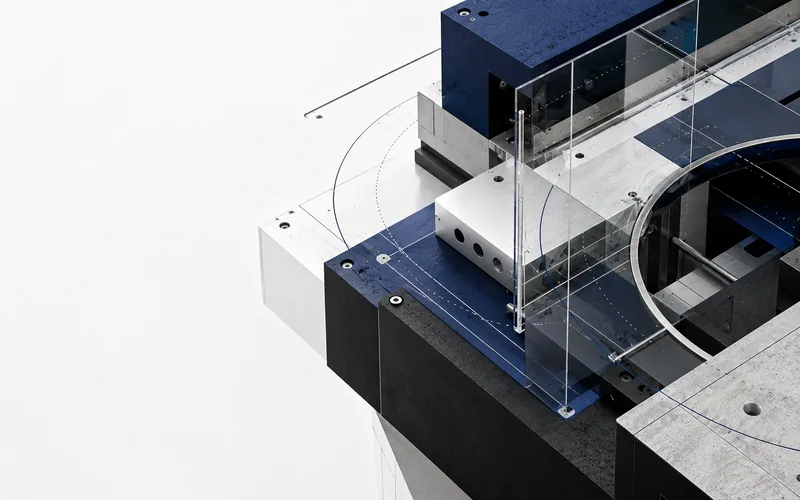
A clearer client experience
A shared home for documents, project updates, and resources.
- ROLE
- Interface direction
- STACK
- HTML / CSS / JS concept
- YEAR
- 2026
 AMAL VECTORS
Distinctive websites. Software that makes work simpler. I turn your next big idea into a digital experience that feels right and works beautifully.
Amal Vectors is an independent web development studio focused on clean, practical, and reliable digital solutions. From professional websites to browser-based software built around specific workflows.
The objective is simple: understand the requirement, build what is actually needed, and keep it usable, maintainable, and ready to evolve.
A clear online presence. A better internal process.
Or
something that doesn’t fit a template.
A website where customers can see what you offer and get in touch.
Responsive websites for businesses, organizations, professionals, products, and services. Clear content, intuitive navigation, and careful attention to performance and accessibility.
An online tool built for your business, such as a booking or quote system.
Browser-based software designed around your users, business rules, and daily operations. Start with essential functionality and expand as your requirements grow.
A private login area where your team manages orders, bookings, or records.
Organize content, documents, and records in a central workspace with authentication and access permissions designed for each type of user.
A simple screen showing your business numbers at a glance — no spreadsheets needed.
Turn data and calculations into interfaces people can use. Search, filter, track progress, generate reports, or replace a repetitive spreadsheet task.
An update to your existing website so it is clearer, faster, and easier to use on phones.
Refresh an existing website with a considered interface, better mobile support, clearer content, and maintainable code. Rebuild or improve based on what the project needs.
Still moving information between spreadsheets, messages, and email? Bring the process into a single application designed around how your team actually works.
Talk through your requirements ↗ONE CONNECTED WORKSPACE ↗
Illustrative concepts showing possible applications.
These are
not completed client projects.
A shared home for documents, project updates, and resources.
Make everyday activity easier to track, understand, and act on.
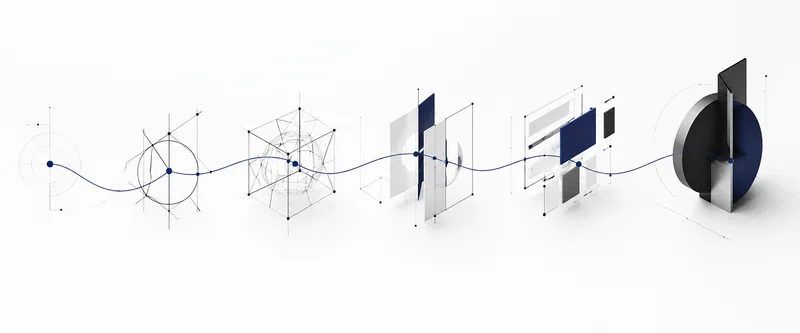
Understand first. Build with purpose.
Keep the process
straightforward.
Define the problem, the people using the system, and what success should look like.
Map out the content, features, data, and workflows before development begins.
Create a clear, responsive interface around your identity and your users’ needs.
Build the interface and application logic, with the backend your project requires.
Check devices, navigation, forms, permissions, and the core user journeys.
Complete final checks and prepare the project for production deployment.
That is enough to start a conversation. Tell me the problem, who the website or software is for, and what you would like it to do. We can work through the structure together.
Cost depends on the scope, content, integrations, and functionality. Share your requirements and any budget range so we can discuss a suitable approach before development begins.
Yes. A project can start with a review of your current website to decide what to keep, what to improve, and whether a rebuild makes sense.
A website presents your business and helps people contact you. A web application lets people complete tasks, manage information, or access a private workspace. Your project may need both.
You bring the problem. Let’s work out the right web solution.
For the technically curious — here's what powers the work.
Technology chosen to suit the requirement, with usability and maintainability in mind.
You don’t need a technical brief. A simple explanation of what you want to achieve is a good place to start.
contact@amalvectors.com ↗